Behavior Triggered Email Automation That Converts

on this page ▾
A trial user creates a workspace, invites nobody, and never returns. Sending them the same three-email welcome series as every other signup is not lifecycle marketing. It is batch-and-blast with better branding. Behavior triggered email automation changes the operating model: messages respond to what a person actually did, did not do, or repeatedly tried to do in your product.
For product teams, the email itself is rarely the hard part. The hard part is deciding which behavior matters, trusting the data behind it, and making sure the person who qualifies for a message is the same person your analytics, support, and product systems recognize. If those records disagree, the campaign can be perfectly written and still be wrong.
What behavior triggered email automation actually does
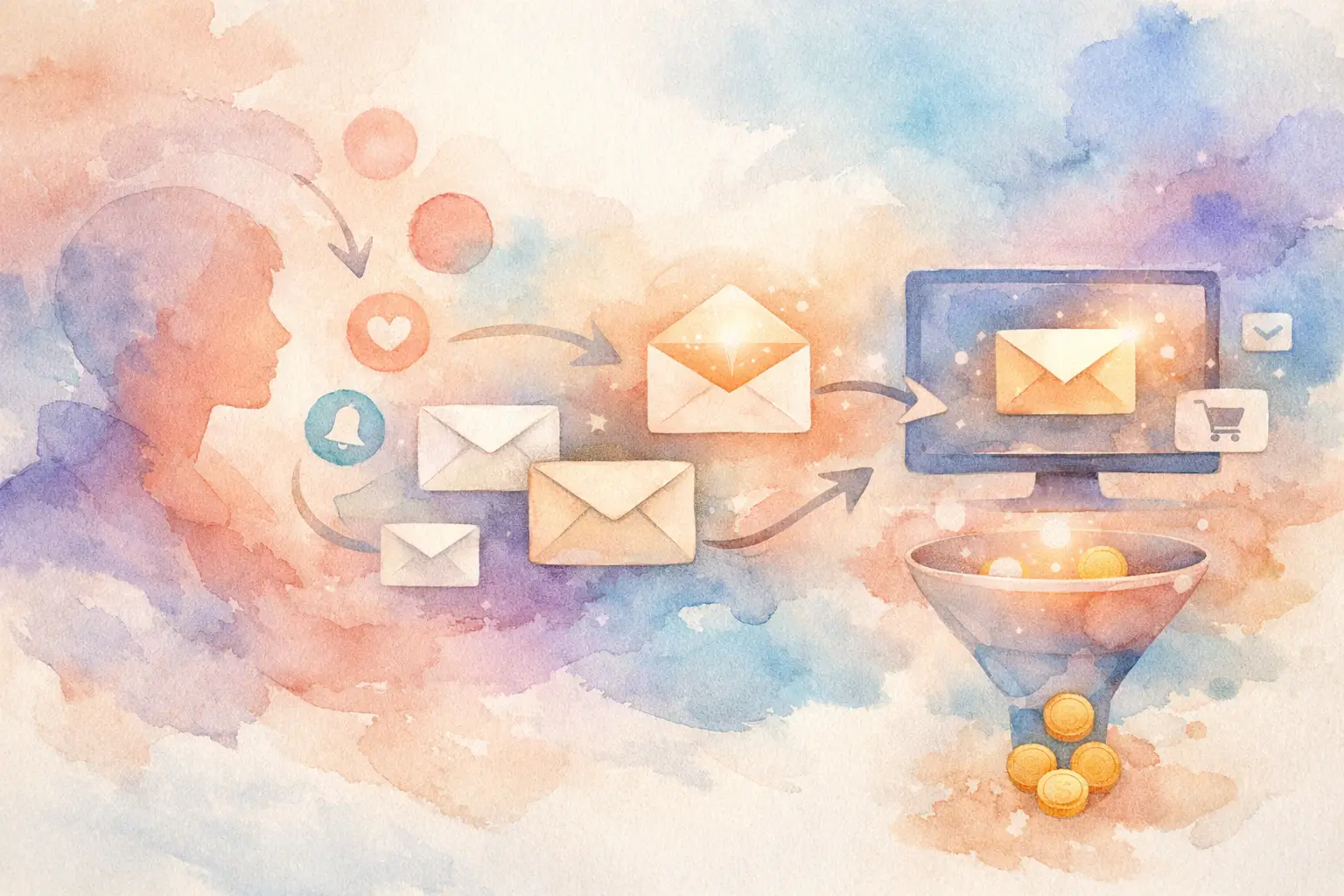
Behavior-triggered email is an automated message sent when a defined event, event sequence, or change in user state occurs. A signup event can trigger a welcome email. That is the basic version. The valuable version uses product context: a user completed onboarding but never connected their data source, viewed pricing twice after hitting a plan limit, or abandoned checkout after a payment failure.
The distinction matters because events tell you where a person is in their journey, while static segments mostly tell you who they are. Job title, plan, and acquisition channel can shape the message. Behavior should decide whether the message is relevant now.
A useful trigger has three parts: a qualifying action or condition, a timing rule, and an exclusion rule. Consider a SaaS activation campaign. The qualifying condition might be `workspace_created` with no `first_project_created` event. The timing rule could wait 45 minutes, giving people room to finish on their own. The exclusion rule removes anyone who creates a project before the email sends.
That last condition prevents a common failure mode: an email arrives after the user has already solved the problem. Nothing makes automation look less intelligent than congratulating someone for work they completed an hour ago.
Start with a conversion leak, not a campaign idea
Teams often begin with a familiar request: “We need an onboarding sequence.” That creates generic messages because the request starts with a channel rather than a problem. Start with the funnel instead.
Find a step with meaningful volume and an unacceptable drop-off. Then inspect the behavior behind it. Are users confused by a form field? Do they reach a setup step but lack the required information? Are they evaluating the feature but blocked by permissions? Analytics shows the leak. Session replay, support conversations, surveys, and event timelines explain why it exists.
For example, imagine 38% of new workspaces reach `integration_started`, but only 16% reach `integration_connected`. A campaign triggered by signup is too broad. A campaign triggered when `integration_started` occurs without `integration_connected` after 30 minutes is specific enough to help. The message can address the likely blocker, link to the exact setup area, and offer a support path if the user is stuck.
The email is not a substitute for fixing a broken workflow. If replay shows that an OAuth error affects hundreds of people, ship the fix first. Automation is useful when the user needs a nudge, explanation, or alternate path. It is not a license to turn product friction into a marketing program.
Map triggers to moments of intent
The highest-value triggers usually appear at moments when intent is visible but progress has stalled. In a subscription product, that might be a person who uses a premium feature repeatedly during a trial. In ecommerce, it could be a shopper who adds a product to cart, encounters an out-of-stock variant, and leaves. In a marketplace, it may be a seller who begins verification but does not submit required documents.
These are different from calendar-driven emails. A weekly product tips newsletter may be useful, but it does not react to the person’s current job. Triggered automation earns attention because its timing is tied to a recognizable need.
Use events that reflect meaningful product progress, not every click. `report_exported`, `team_member_invited`, `payment_failed`, and `feature_limit_reached` are often better trigger candidates than `button_clicked`. Broad UI events create noisy audiences and brittle logic. Business events are easier to explain, validate, and maintain.
Build the audience on one verified event history
Behavior-based campaigns break down when data moves through disconnected systems. An analytics tool identifies a cohort. Someone exports it to a CRM. A messaging platform receives it hours later. Meanwhile, the user completes the action, changes their email address, or contacts support. Each tool has a slightly different record, and no one can say which version is correct.
That is why the architecture matters as much as the workflow. Your campaign audience should be built from the same event stream used for funnels, product analysis, support context, and experimentation. One source of truth means a person’s identity, event properties, consent state, and latest activity do not need to be reconciled before every send.
With Kilden, a funnel cohort can become a campaign audience on the same real-time event pipeline. A team can find the drop-off, inspect the affected users’ sessions and timelines, then message the exact cohort without rebuilding the segment in another system. No dashboards to rebuild, no CSV handoff, and no waiting for an overnight sync.
Identity is not a small implementation detail here. Anonymous activity should connect to the known user after signup without accidentally merging different people. Signed JWT-backed identity and server-side events help protect that boundary, especially for account-level actions such as subscription changes, billing failures, or permissions updates. If you cannot trust who performed an event, you should not trigger commercial or account-sensitive messages from it.
Design the automation like a product flow
A good automation has guardrails. It checks the current state before sending, stops when the user reaches the goal, limits frequency, and makes ownership clear. Treat it like production logic rather than a one-time marketing asset.
First, define the success event before writing copy. For an activation email, success may be `first_dashboard_created`, not an open or click. Opens can indicate subject-line performance, but they do not prove the campaign improved the product outcome. Measure a holdout group when volume allows. If people who receive the campaign activate at the same rate as comparable people who do not, the automation may be adding noise rather than value.
Next, choose delay based on user intent. Immediate messages work for transactional events such as password resets, receipts, verification requests, and payment failures. For incomplete setup, a short wait often performs better because it avoids interrupting someone who is still working. There is no universal delay. Review the median time between the start and completion events, then set the campaign after the point where normal progress begins to flatten.
Finally, cap messages across campaigns. A user who fails payment, hits a usage limit, and abandons a setup flow could technically qualify for three messages in one day. Your event logic may be correct and the experience may still be terrible. Establish priority rules. Account access and billing issues generally outrank educational nudges; critical support updates outrank promotional offers.
Keep copy specific enough to be useful
Triggered emails should name the next job, not narrate your entire value proposition. “Your team is one step from sharing reports” is stronger than “Get more value from your workspace.” The first message reflects observed behavior. The second could have been sent to anyone.
Use dynamic details only when they improve clarity. Referencing the project name, integration, plan limit, or abandoned item can make the email useful. Overpersonalizing with a long inventory of clicks can feel invasive. The line sits between “we understand the task” and “we are watching every move.” Privacy-conscious teams should also ensure consent and regional communication rules are enforced at audience creation, not manually checked after a segment is built.
Test the product fix alongside the message
The best behavior-triggered programs create a feedback loop. If an email to stalled users consistently produces replies saying, “I could not find the API key,” that is evidence for a product change: improve the empty state, add contextual documentation, or surface the key where setup begins.
Then test the fix safely. Roll it out behind a feature flag to a portion of affected users and compare the completion rate. If the product change removes the friction, reduce or retire the email. The goal is not to build an ever-growing library of automations. The goal is to help more people succeed with fewer interventions.
This is where separate tools create unnecessary drag. One team sees the funnel, another owns the email, engineering owns the release, and support hears the complaints. By the time the information moves between systems, the cohort has changed. A shared event timeline lets each team work from the same evidence and act while the moment still matters.
The strongest automation is often temporary. It catches a real point of friction, gives users a useful path forward, and supplies the evidence needed to make that friction disappear. Build campaigns that can eventually earn their own retirement.