How to Stage Feature Rollouts Without Guesswork


on this page ▾
A feature that works in staging can still damage activation, checkout completion, or support volume when it meets real customers. The question is not whether you know how to stage feature rollouts. It is whether your rollout process can detect harm early, explain who is affected, and stop exposure before a small release becomes a customer problem.
A staged rollout is not a slower launch. It is a controlled way to learn under production conditions. Done well, it gives product, engineering, growth, and support teams one operating loop: measure behavior, see why it changed, act on the affected audience, and either expand or stop the release.
What a staged feature rollout is actually for
Teams often treat staged rollouts as a percentage dial: release to 1%, then 10%, then 50%, then everyone. Percentages are useful, but they are not the strategy. A random 1% sample may hide the exact users most likely to encounter risk, such as high-volume accounts, mobile users, new trial users, or customers with a legacy configuration.
The real purpose is to reduce uncertainty in layers. Start with people who can tolerate rough edges or help validate the intended behavior. Then move to a cohort that represents the workflow you are changing. Only after the release clears defined health checks should it reach the broader population.
This matters because adoption and safety are different questions. A new billing flow may technically work for internal users while creating hesitation for annual-plan customers. A search change may improve click-through rate while increasing zero-result searches for accounts with large catalogs. If your analytics, session evidence, customer messages, and flag targeting live in separate tools, the team loses hours stitching the answer together. By then, the bad experience has already spread.
Build the rollout around a decision, not a calendar
Before enabling a flag, write down the decision you expect to make at each stage. “Launch to 10% on Tuesday” is a schedule. “Expand from design partners to 5% if task completion holds within 2% of baseline and no new error pattern appears” is an operating rule.
Every rollout should have four parts: a target cohort, a success metric, guardrail metrics, and a stop condition. Keep them specific to the feature and the customer journey.
For example, imagine a SaaS product changing its invite flow. The primary success metric might be completed invitations per eligible workspace. Guardrails could include invite API errors, time to complete the flow, support conversations tagged to invitations, and activation for newly invited teammates. The stop condition might be a 5% drop in completion, a meaningful increase in errors, or a recurring point of confusion visible in session replay.
The thresholds depend on traffic and risk. A low-traffic enterprise setting may need qualitative review of every early account. A high-volume consumer checkout can use tighter real-time numerical thresholds. Do not pretend a single percentage works for every release.
Choose cohorts that expose real risk
The first cohort should be intentional. Internal employees and beta users are useful for confirming that the flag, instrumentation, and basic workflow function. They are rarely enough to validate commercial impact because they know the product too well and have a higher tolerance for failure.
A practical sequence often looks like this: internal users, opted-in design partners, a narrow behavioral or account cohort, then progressively broader eligible traffic. The narrow cohort should match the release risk. For an onboarding change, use new workspaces. For a performance-sensitive feature, include users on lower-end devices or slower networks. For an ecommerce checkout update, validate across payment methods, cart sizes, and returning versus first-time buyers.
Avoid targeting based only on a spreadsheet export or an unverified user property. A rollout is only as safe as its identity and event data. If the same customer has conflicting records in your analytics, messaging, and flagging products, you cannot reliably know who saw the feature, who converted, or who needs help. One source of truth is not an architecture slogan here. It is the prerequisite for making a defensible release decision.
Instrument before the flag turns on
A feature flag without reliable events is just a remote switch. Before the first exposure, confirm you can answer five operational questions:
- Who was eligible for the feature?
- Who was actually exposed to it?
- Did they complete the intended action?
- What failure, delay, or exit behavior occurred?
- Can the team immediately reach affected users if needed?
Track exposure separately from downstream use. If a user never sees the new interface because of a rendering error, a “feature used” event will not reveal the failure. Capture the flag evaluation or exposure event, the critical interaction steps, the completion event, and errors with enough context to isolate the release.
Also establish a baseline before launch. Compare the staged cohort with a similar control group and with the cohort’s own recent behavior where possible. Raw totals are easy to misread. A lower conversion rate may reflect a traffic-source shift rather than the feature itself. Segment by plan, device, geography, account maturity, and other dimensions that plausibly change the outcome.
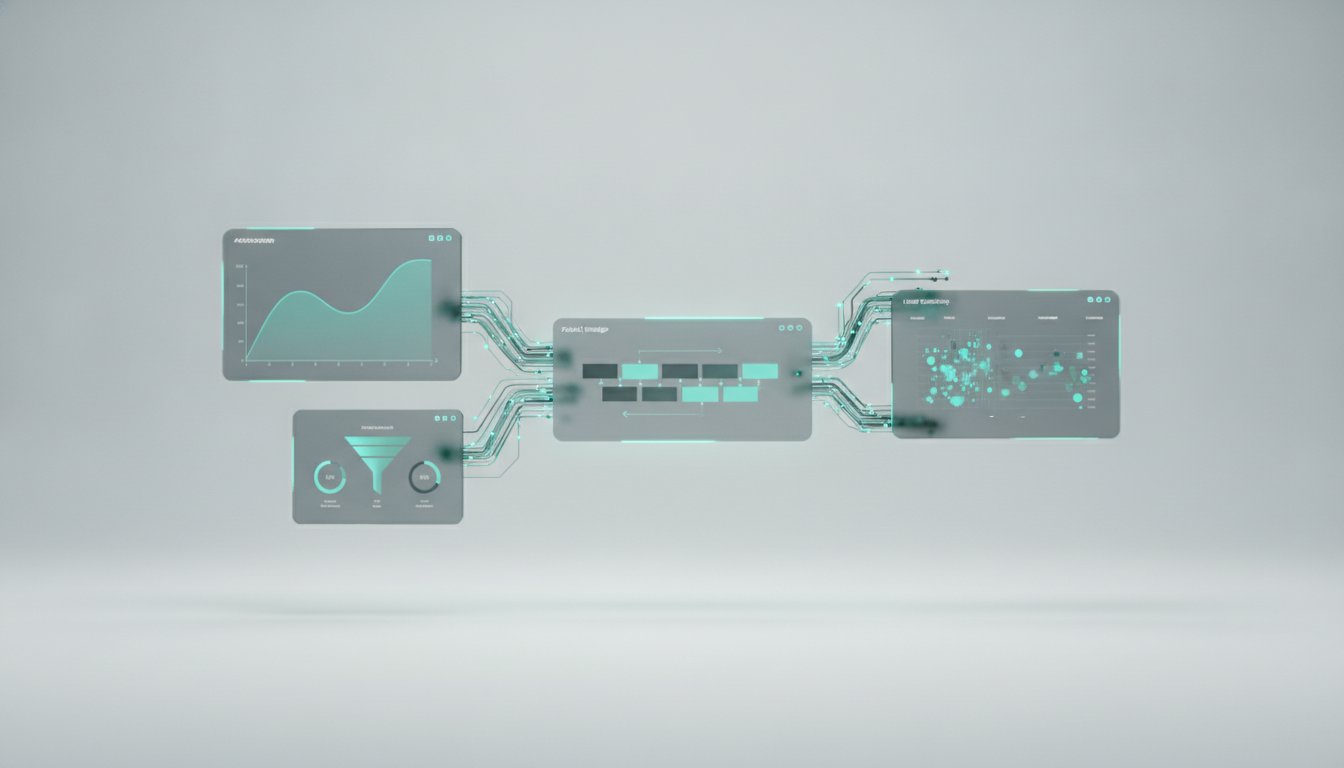
This is where teams often create unnecessary work. Analytics shows a decline, engineers check logs, support checks another inbox, and lifecycle marketing exports a list to send an apology. A unified pipeline changes the workflow. The same cohort that reveals the conversion leak can be inspected in session replay, used for an in-app guidance message, handed to live chat, or excluded from further flag exposure. No dashboards to rebuild and no CSV relay race.
How to stage feature rollouts in production
Start with a low-exposure stage that proves production behavior, not product-market fit. Watch error rates, latency, and event delivery first. If your telemetry is broken, pause. You cannot safely expand a feature you cannot observe.
Next, test the user outcome with a meaningful cohort. Give the stage enough time and enough eligible users to produce a credible signal. Do not expand merely because the first few hours are quiet. Some failures emerge when users return, when a background job runs, or when a team admin attempts the workflow on behalf of others.
At each expansion point, compare the flagged cohort with the control group. Look beyond the headline conversion metric. A positive lift paired with a sharp rise in help requests can signal that customers are succeeding only after friction. Likewise, a neutral aggregate result can conceal severe harm to a valuable segment.
When signals disagree, investigate before expanding. Review the behavioral path of users who abandoned. Read support conversations with the feature exposure in view. Check whether a certain browser, account state, or customer plan is overrepresented. The goal is not to prove the release is good. The goal is to find the conditions where it is not.
Kilden is built for this exact loop: identify a cohort from live product behavior, inspect the timeline behind it, communicate with that audience, and adjust a feature flag using the same verified identity. That removes the handoff gap between finding a problem and taking action.
Use kill switches as a product decision tool
A kill switch should be fast, scoped, and rehearsed. “We can roll it back with a deploy” is not the same thing. A deployment may take time, introduce another variable, or require an engineer who is unavailable when the issue appears.
Set up the flag so you can disable the feature globally, by account, or by segment. Account-level control matters for enterprise software, where one affected customer may carry more risk than thousands of anonymous users. Segment-level control lets you keep learning in healthy populations while protecting the one that is failing.
Decide in advance who can turn the feature off and how that decision is communicated. Product should not need to wait for a meeting when an error threshold is clearly breached. Support should know the customer-facing explanation. Engineering should have the exact exposure and error context needed to diagnose the issue.
Treat communication as part of the experiment
Not every staged rollout needs an announcement. For a visible workflow change, silence can create confusion that looks like product failure. A short in-app message can explain what changed, show the first action to take, and give users a way to report friction. For a complex feature, targeted onboarding may be necessary to test the feature fairly.
But communication changes behavior, so measure it too. If some users receive guidance and others do not, label the experience clearly. Otherwise, you may attribute an adoption improvement to the feature when the message did the work.
Support should also see feature exposure in the customer context. When a customer says “the invite button disappeared,” the useful first question is not “Can you send a screenshot?” It is “Which version of the experience did this person receive, and what happened immediately before they contacted us?” That shortens resolution time and produces better rollout evidence.
Know when to stop, hold, or expand
Stopping a rollout is not failure. It is the process working. Stop when a guardrail breaches, when a high-value customer workflow breaks, or when the evidence shows a harm you cannot quickly explain. Preserve the affected cohort and timeline before making changes so the team can diagnose the root cause.
Hold when the data is inconclusive. This is common with low volume, mixed results, or releases that need a full usage cycle to evaluate. A hold is better than manufacturing certainty from a small sample.
Expand when the success criteria are met across the segments that matter, the guardrails remain healthy, and the team can explain any anomalies. Do not graduate a feature based on one attractive metric. A release is ready for broader exposure when the customer journey remains healthy from first view through the outcome that creates value.
The best rollout process makes the safe decision the easy decision. Put the feature flag, exposure data, behavioral evidence, customer context, and response tools close enough together that your team can find the leak, see why it happened, and act before customers have to explain it for you.