Console Errors in Session Replay: Find Breaks Fast

on this page ▾
A checkout funnel can look healthy until one browser-specific JavaScript error blocks a high-value segment from submitting payment. The aggregate metric tells you conversion dropped. Console errors session replay tells you what failed, who encountered it, what they did next, and whether the error actually stopped the journey.
That distinction changes how product teams operate. A console error on its own is usually noisy. A session replay without error context can become a slow hunt through clicks, network delays, and ambiguous UI behavior. Put them on the same behavioral timeline and the investigation starts with evidence rather than guesses.
Why Console Errors in Session Replay Matter
Browser errors are not all equal. Some are harmless third-party script warnings, source-map gaps, or extensions interfering with the page. Others prevent authentication, break a form validation rule, leave a button unresponsive, or stop a feature from rendering after release.
The hard part is prioritization. Engineering may see 20,000 errors in an error-tracking tool, while product sees a two-point fall in activation. Neither view, by itself, answers the operational question: which failure is costing customers a meaningful outcome?
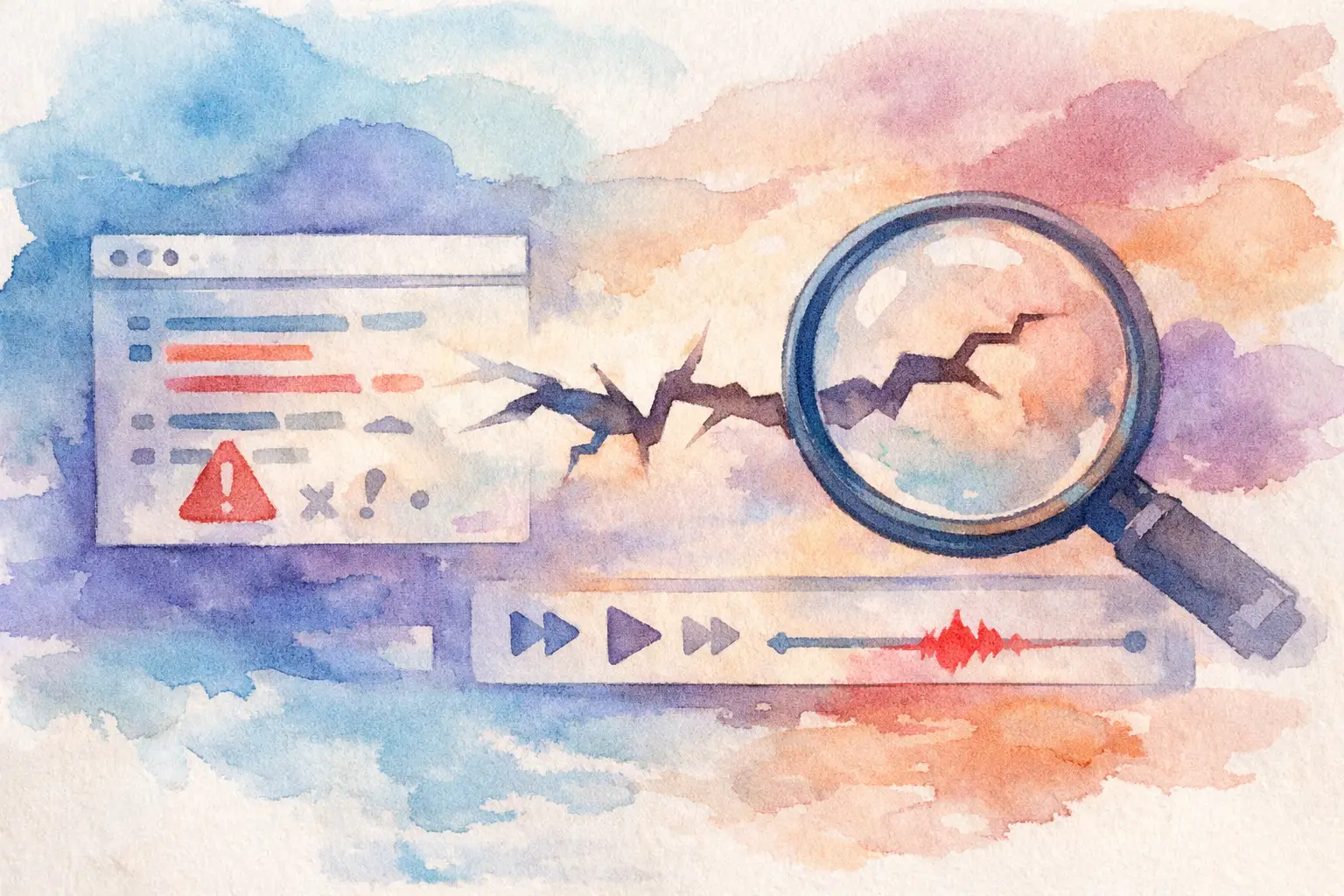
Session replay adds the missing sequence. You can see that a user arrived from an onboarding email, completed account setup, clicked "Create workspace," triggered `TypeError: cannot read properties of undefined`, retried twice, and abandoned. That is not merely an exception count. It is a broken activation path with a measurable audience behind it.
For growth and support teams, the same context prevents vague responses. Instead of asking a customer for a screenshot and browser details after the fact, support can inspect the session timeline, confirm the failure, and respond with a relevant workaround. Product can quantify how many users reached the broken state. Engineering can reproduce the exact route, device, release version, and preceding events.
The Investigation Workflow: Find the Leak, See Why, Act
A useful console-error workflow is not "watch more recordings." It is a short loop that connects business impact to technical cause and then to a safe response.
Start with the outcome that moved
Begin with the event that matters: `checkout_completed`, `workspace_created`, `trial_started`, `search_results_viewed`, or another conversion milestone. Compare the affected period with a baseline, then segment by browser, app version, device type, acquisition source, plan, or feature-flag variant.
This avoids a common mistake: treating the highest-volume error as the highest-priority error. A minor error experienced by every visitor may have no effect on completion. A less frequent failure that hits only Safari users on a paid checkout flow can deserve immediate attention.
The best investigation question is specific: "Why did mobile Safari users who reached payment details stop completing checkout after the latest release?" That gives the team a cohort and a path to inspect.
Filter replays around the error and the funnel step
Once you have an affected cohort, filter recordings for users who triggered the relevant console error near the failing step. Review several sessions, not one. One replay can reveal a bug; five to ten show whether it is a pattern, an edge case, or a misleading correlation.
Look for the sequence around the error. Did the user click before the failure? Did the UI freeze, show an incorrect state, or silently recover? Did they navigate away, retry, contact support, or switch devices? Did the same user later convert after returning?
The point is to distinguish cause from coincidence. A console error that appears after a successful submission may be worth fixing but is unlikely to explain abandonment. An error that fires at the exact moment a primary action stops working is different.
Use the timeline to reproduce the real path
A replay is strongest when paired with event-level context. Capture the route, UI interactions, feature-flag exposure, release version, browser details, and meaningful product events around the error. For authenticated applications, the identity should be verified so the session belongs to the correct customer record rather than an unreliable browser label.
This gives engineers a reproduction brief with fewer handoffs: affected environment, sequence of actions, console message, user state, and business impact. It also protects teams from spending hours reproducing an issue with a clean account that never had the same permissions, data shape, experiment assignment, or prior history as the affected user.
Be careful with sensitive data. Session replay should mask inputs and avoid capturing credentials, payment details, health information, or other regulated fields. Error messages can also expose values developers did not expect to leave the browser. Set a capture policy deliberately, then test it before rolling replay across critical flows.
What to Capture, and What to Ignore
Capturing every console message without structure creates a new dashboard nobody trusts. The goal is useful signal, not maximum telemetry.
At minimum, preserve the error type and message, route, timestamp, release or deployment version, browser and device context, and the user or anonymous-session identity. Add the behavioral events immediately before and after the failure. If your application uses flags or experiments, record the evaluated variant too. A bug that only exists behind a rollout is much easier to contain when the exposure is visible beside the replay.
There are trade-offs. Full console capture can help uncover unexpected warnings and third-party conflicts, but it may produce high volume and increase privacy review requirements. Many teams start by capturing uncaught exceptions and actionable errors, then expand only when a specific investigation needs more context.
Ignore known extension noise and recurring third-party warnings only after validating that they have no user impact. Suppressing an error because it looks familiar can hide a regression when the same message begins appearing on a different route or at a much higher rate. Group errors by message, route, release, and outcome rather than relying on the message alone.
Turn an Error Cohort Into a Recovery Plan
Finding the bug is only half the work. The affected people are already in your product history, and they should not disappear into a ticket queue.
If the issue blocks a critical task, first reduce exposure. Disable the problematic flag, roll back the release, or route users to a stable path. A kill switch is not an admission of failure. It is how a team limits customer impact while the root cause is being fixed.
Then communicate based on what actually happened. Users who encountered a failed export may need an in-app message when the fix ships. Customers who abandoned an onboarding step may benefit from a targeted email asking them to return, with the broken step repaired. Users who opened a support conversation after the error should give agents the full behavioral context, not force them to reconstruct it from a vague description.
This is where disconnected tools create unnecessary delay. Analytics identifies a cohort, replay explains it, support owns another record, and lifecycle marketing waits for an export. By the time the audience is assembled, the affected users have moved on. With one source of truth, the error cohort can become an audience for a message or a support workflow without rebuilding identity across systems.
Kilden is built around that operating model: the same verified person and event timeline can connect product analytics, session replay, customer communication, and feature-flag controls. The practical benefit is simple: no dashboards to rebuild and no CSV handoff before you can help the people affected by a release.
Verify the Fix Instead of Declaring Victory
A merged pull request is not proof that the customer problem is gone. After deploying a fix, watch three things together: the console error rate, the affected funnel conversion rate, and replay samples from the previously failing path.
Expect some lag depending on traffic volume and how often users reach the workflow. For a high-traffic checkout, you may have a clear answer quickly. For an enterprise admin feature, the right approach may be to monitor over days and contact the known affected accounts directly.
Also check for displacement. If the original error disappears but users still abandon at the same step, the release may have fixed a symptom rather than the underlying experience. Perhaps the button now works, but the error state remains confusing, or a slow API call makes users think nothing happened. Replay makes this visible in a way exception monitoring cannot.
The durable goal is not zero console errors. Modern web applications include browsers, extensions, network conditions, third-party scripts, and client states you do not fully control. The goal is to identify the errors that change customer behavior, respond before they compound into churn, and verify that the fix restores the intended journey.
Treat every meaningful browser failure as both a technical event and a customer moment. When console context, replay, funnel data, identity, and release controls live in the same workflow, your team can stop stitching five tools together and start closing the loop while the evidence is still fresh.